Container Spaces
Creating Container Spaces
You create Container Spaces using your preferred hosted development environment.
Dev Containers
Dev Containers is an open specification for defining coding environments.
We used GitHub Codespaces to develop this approach. This approach should be general enough to work elsewhere, but contact us (support at pairspaces dot com) if you experience challenges using PairSpaces with your Dev Container.
- Create a Codespace Secret to store your Space Key. Use the GitHub CLI:
gh secret set PS_SPACE_KEY --app codespaces --repos OWNER/REPOAlternatively, you can use the GitHub UI:
- Go to GitHub Settings.
- Open Codespaces.
- Open Codespaces secrets.
- Create a secret named
PS_SPACE_KEY. - Paste the Space Key and grant access to the repository.
- Include our public Dev Container Feature in your
.devcontainer.jsonfile.
{
  ...,
  "features": {
    "ghcr.io/pairspaces/devcontainers/pairspaces": {}
  },
  "postAttachCommand": "/opt/pair/pair spaces create",
  "remoteUser": "root",
  ...
}
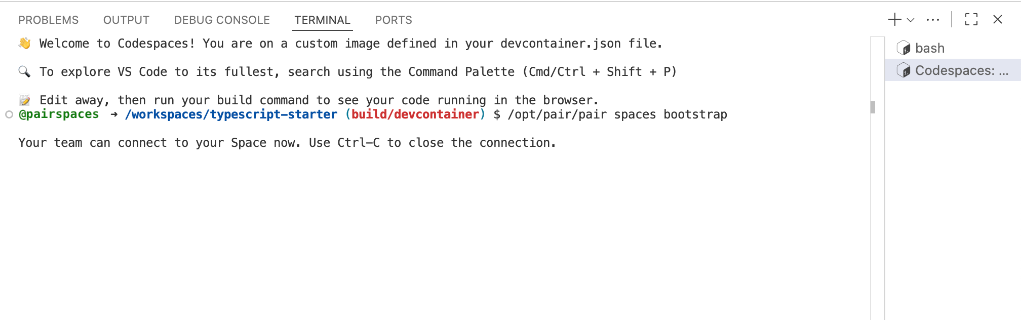
After you create your Codespace, the Dev Container feature will complete in a few seconds in a separate terminal.